
Why a Sponsor or Partner Grid?
It's a common need to acknowledge your sponsors on your website, and the Groundplan Theme has a flexible system to include sponsor logos and grids of partner deals on a global, event, or page level. Multiple Partner blocks can help you organize sponsors by giving level, and will be displayed in a responsive layout that works on desktop and mobile (designed logo clouds are rarely optimized for mobile and can cause layout issues where the logos are sometimes displayed far too small.
Add Partners & Sponsors
In Partners >> Add New, upload an image preferably 400x200px, set a title, website.
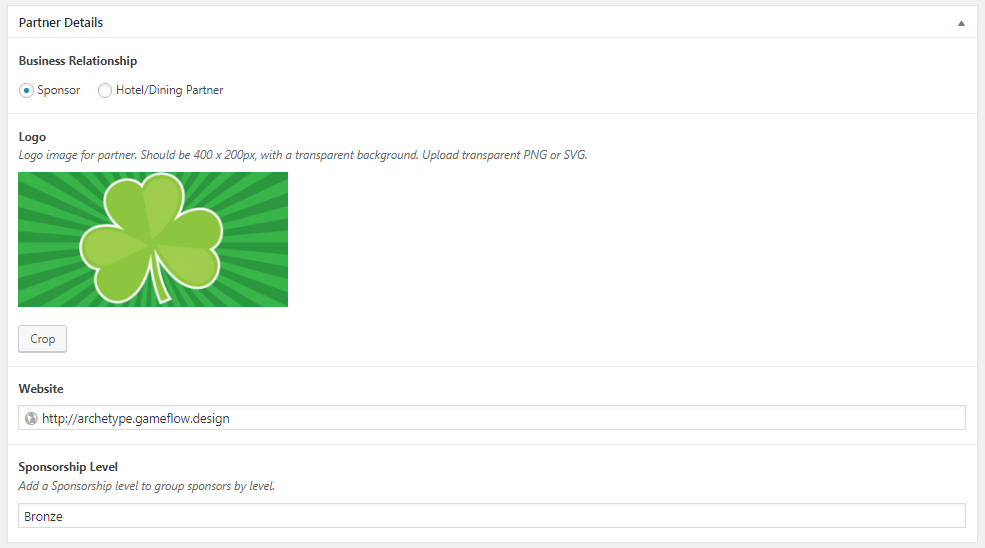
To optimize the way that your sponsor logos look on a page, it's best practice to use negative space around different logo sizes to fit within a standard 400px x 200px block. This is optimized for the most common logo square and horizontal versions. Vertical logos will ideally have a horizontal version in most cases.
Create a Partner/Sponsor Grid on a Flex Page
Go to Pages >> Add New >> Flex/Default template.
Add the Content Type: Partners or Partner Grid
To make a Partners tab within a tabbed page, enter the tab title here:
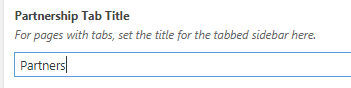
Follow the instructions below for Events.
Create a Partner/Sponsor Grid on an Event
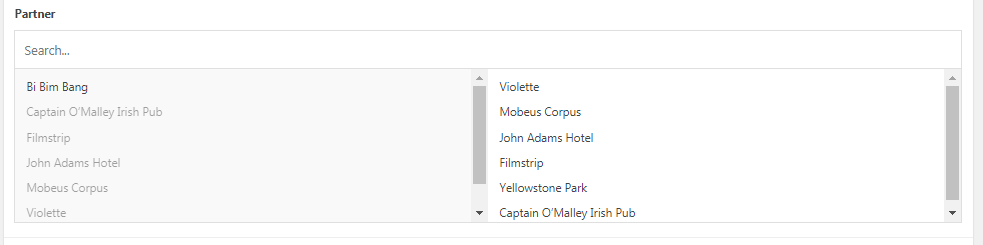
Add all the partners you want on the page here:
Grouping sponsors by giving level
Add one partner grid per level and use the level as the block title (e.g. stack a Season Sponsors grid, then a Producing Partners grid, and so on.) Each grid is independent, so you control the order, the wording, and the copy that introduces each group, and you can give a major sponsor its own grid at a larger size.
Note: Don't name this page "Partners" as that name is reserved for the listing of all partners.
Set up footer partners
Go to Groundplan Theme Settings (or Your Org Name Settings) >> Footer. Organize your footer sponsors the same way you would on a Sponsors page.
Tips for Troubleshooting Partners
Edit the sponsor logos so they are all 400x200px, so they all show up as the same size on the page. You can use the crop function in the Edit Partner screen, or use Photoshop or Illustrator to put the logo in the middle of a 400x200px white image. Then upload that new image to the site. Recommended especially for any image that's a funky size like a square or a really wide image.